807 N Lake Ave Sioux FallsDirections. Get directions (opens in a new tab)

Opens todayAt 12 PM Central
Hours

A creative workshop from Izzi’s Gym

Izzi’s Weekend Workshop

Try a new weekend project and see which xTool machine can bring it to life. From the team at Izzi’s Gym in Sioux Falls.

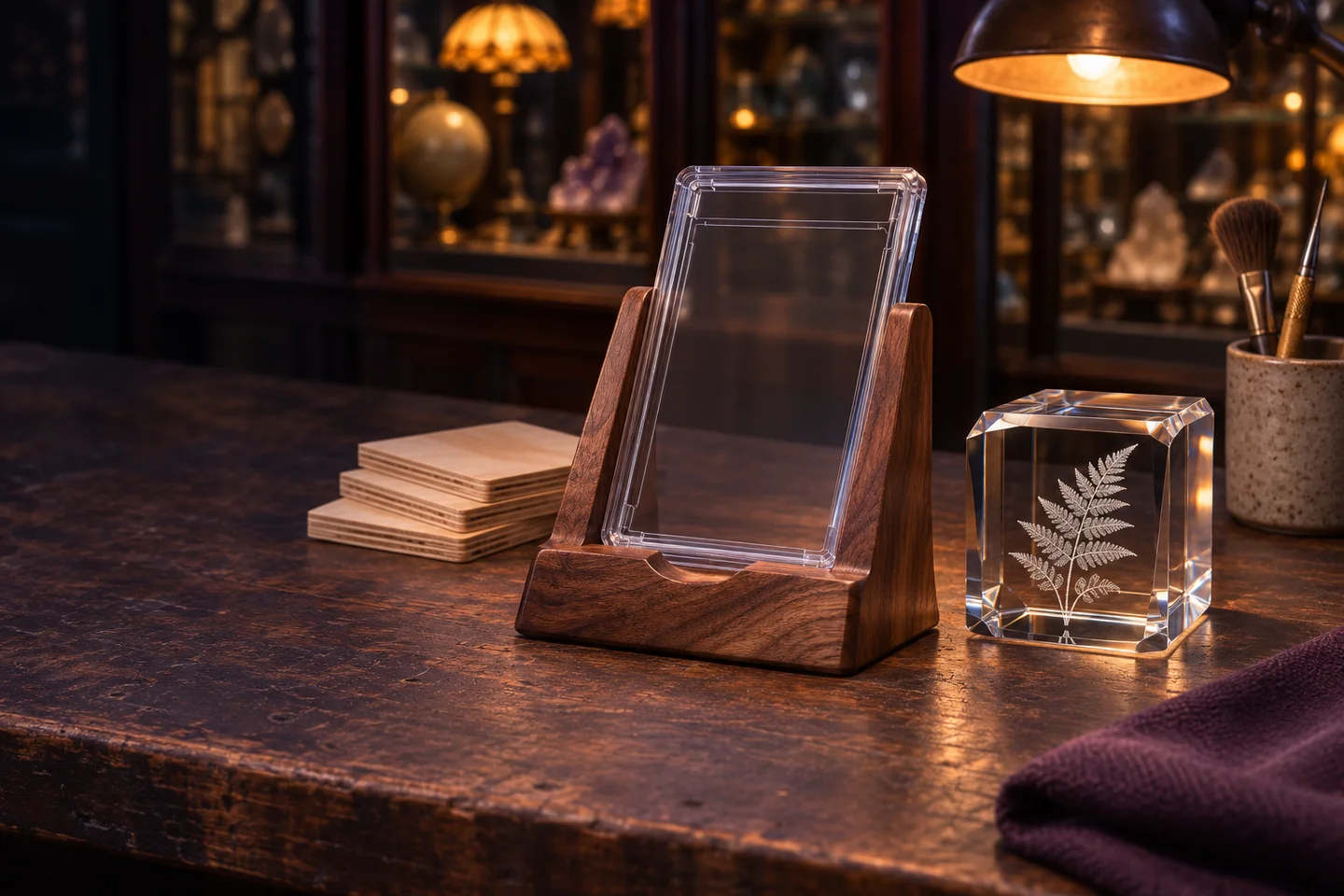
A walnut card stand and an engraved crystal on a workbench
On the workbench · card displays & crystal keepsakes

Pick a weekend project.

See how each project comes together, then put your own spin on it.

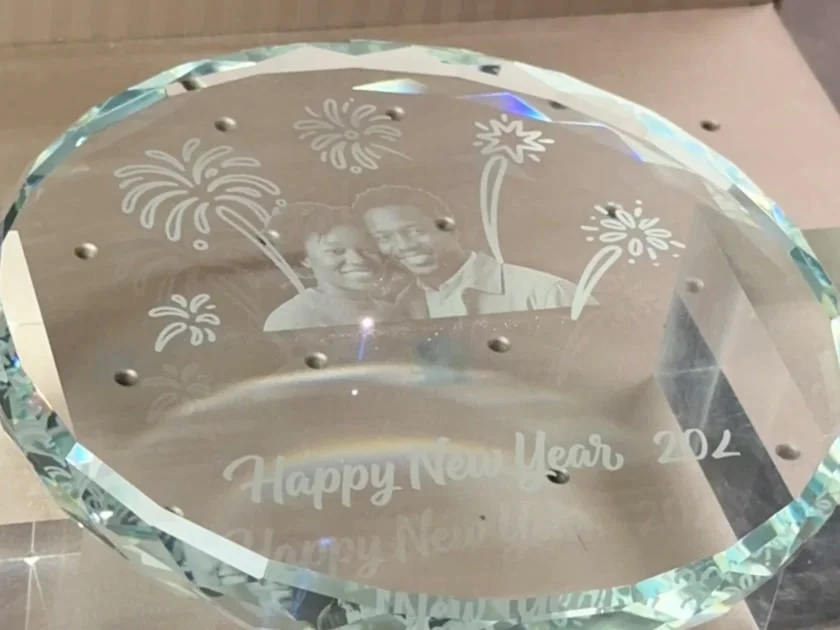
Family portrait engraved inside a faceted crystal keepsake

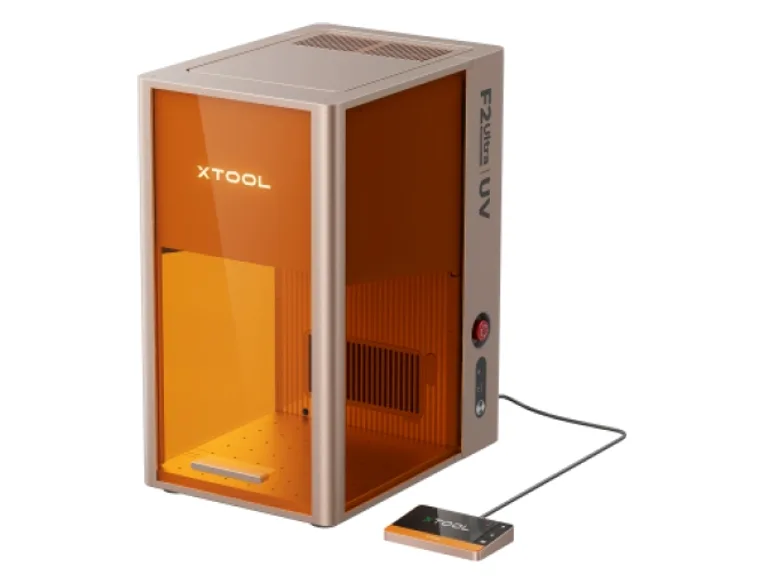
xTool F2 Ultra UV K9 optical crystal

A photo inside a crystal

Give a favorite family photo a place on the shelf. The portrait appears to float inside the crystal.

Project guide & video

xTool demonstration of a family portrait engraved inside a clear crystal keepsake. Preview has no sound.

Start with a sharp photo and a flat-sided K9 optical crystal blank. Check that your exact machine configuration supports inner engraving, then follow xTool’s lens setup and calibration guide. Preview the portrait’s size and position inside the blank before running it.

Try a pet portrait or a handwritten note from someone you love.

Read xTool’s guide

Round red ornaments with personalized white designs on a holiday tree

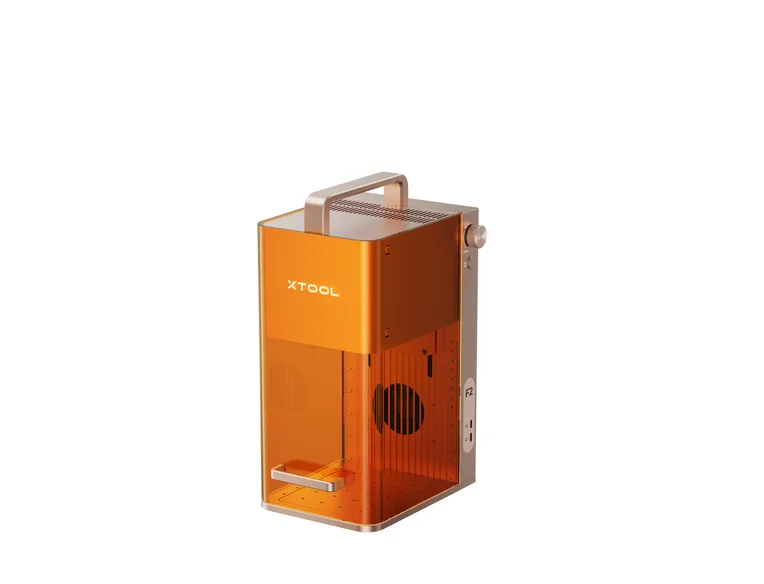
xTool F2 Wood

Personalized holiday ornaments

Add a name and year to a wooden ornament. Make one for a gift, then build a matching set for the family.

Project guide & video

xTool F2 demo featuring personalized round ornaments. For the wood version below, start with a machine-compatible flat blank. Preview has no sound.

Pick an unfinished wooden ornament blank approved for your machine. Lay out a name and year, leaving room around the hanging hole. Check alignment with the framing preview and test the engraving on a spare matching blank. Finish with a ribbon or twine.

Give everyone their own design and use the ornaments as reusable gift tags.

Read xTool’s guide
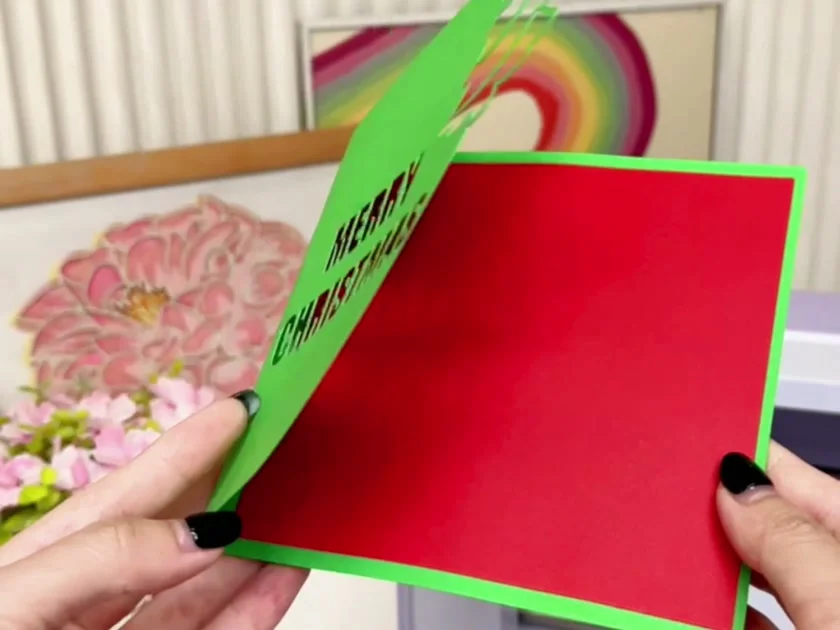
Hands opening a layered red and green greeting card

xTool C1 Color Cutter Cardstock

Layered greeting cards

Turn a few sheets of cardstock into a card with cutout details and layers that stand out when it opens.

Project guide & video

xTool demonstration of a layered paper greeting card made with the C1 Color Cutter. Preview has no sound.

Choose two or three cardstock colors and sketch a folded base, a front cutout, and an accent layer. Use the C1’s Paper Craft mode and a compatible mat and blade. Score the base by hand or use the compatible scoring tip. Cut the remaining layers, then stack the pieces and glue them together.

Swap the colors and greeting to reuse the same layout for birthdays and thank-yous.

Read xTool’s guide

Meet the xTool machines.

Start with what you’d like to make. We’re an xTool dealer and can help you find the right setup.

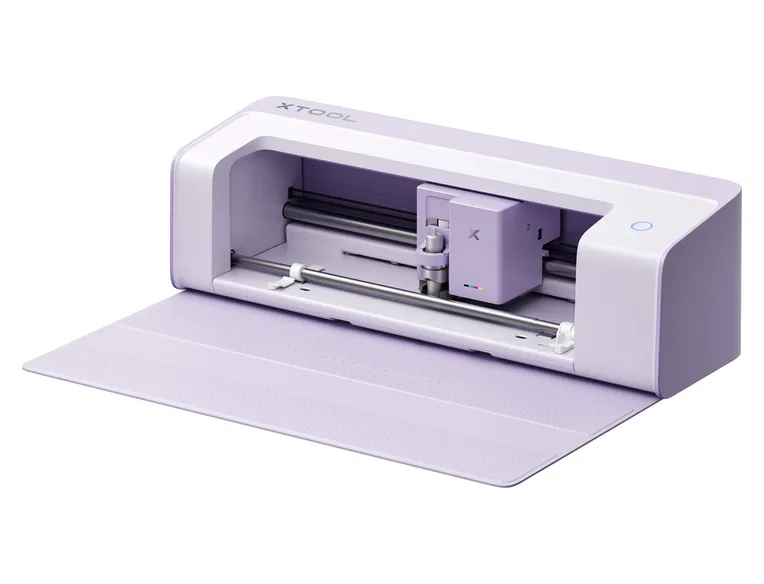
xTool C1 Color Cutter

Print-and-cut craft machine

xTool C1 Color Cutter

Make paper crafts, full-color stickers, and layered designs with the C1’s print-and-cut workflow.

Classes coming soon

Make it with us.

Curious kids and adults are welcome to ask about upcoming classes, age guidance, or equipment. Our workshop plans also include Bambu Lab 3D printing, design and selling on Etsy and eBay with Grandma Jane, and entrepreneurship with Christopher.

807 N Lake Ave, Sioux Falls, SD 57104

Workshop questions

When can I take a class?

Classes are coming soon. Call Izzi’s Gym to tell us what you’d like to make and ask about dates, pricing, registration, and age guidance.

Can I shop for xTool equipment locally?

Yes. Izzi’s Weekend Workshop is an xTool dealer in Sioux Falls. Contact Izzi’s Gym to ask about current equipment, availability, and accessories for your project.

What else will the workshop cover?

Alongside xTool projects, the workshop plans to cover Bambu Lab 3D printing, design and online selling with Grandma Jane, and entrepreneurship with Christopher.